The IPTV player for iPhone, iPad and Mac
TV without the fuss.
Your Xtream and M3U playlists in one carefully made app. Channels start almost instantly, often in under a second. Live TV stays close to the broadcast, and everything you set up follows you from device to device.
Free for 7 days, then choose the plan that suits you
Hands on
Have a go. Right here.
A working copy of Yagi's Mac player with a demo playlist. Pick a channel, pause live TV, skip back, then catch up to live again.
- Space Play or pause
- ←→ Skip 10 seconds
- ↑↓ Change channel
- S, a right click or a sideways swipe on the picture: show or hide the sidebar
- L Jump to live
Watch live, actually live
The goal is on screen when it happens.
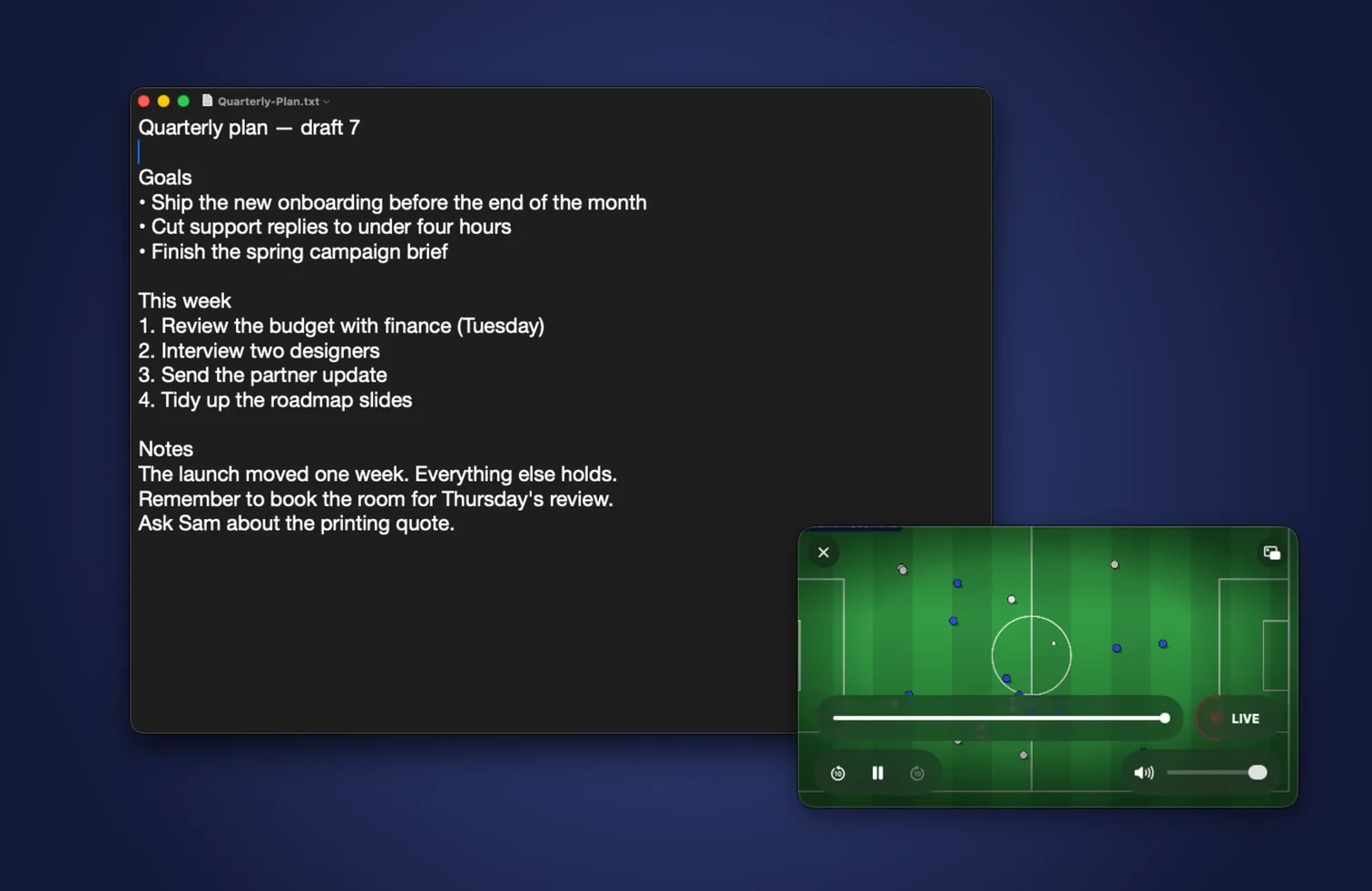
Many players sit half a minute behind the broadcast. Yagi plays your provider's stream the fastest way it can be played, so you hear the cheer at the same time as everyone else. Pause live TV when life interrupts, rewind to see it again, and jump back to live with one tap.
Distance behind the live broadcast
Nothing in your way
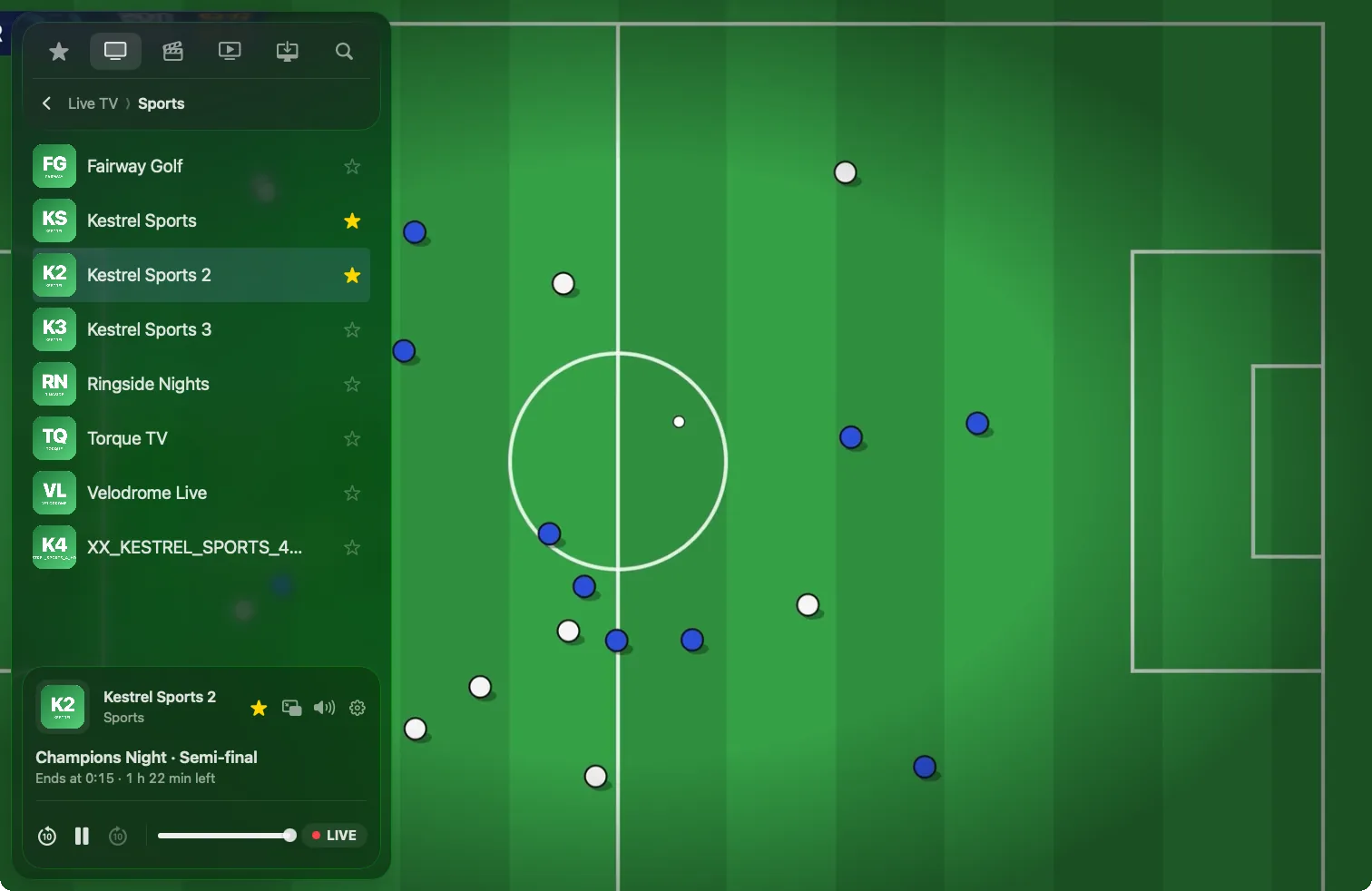
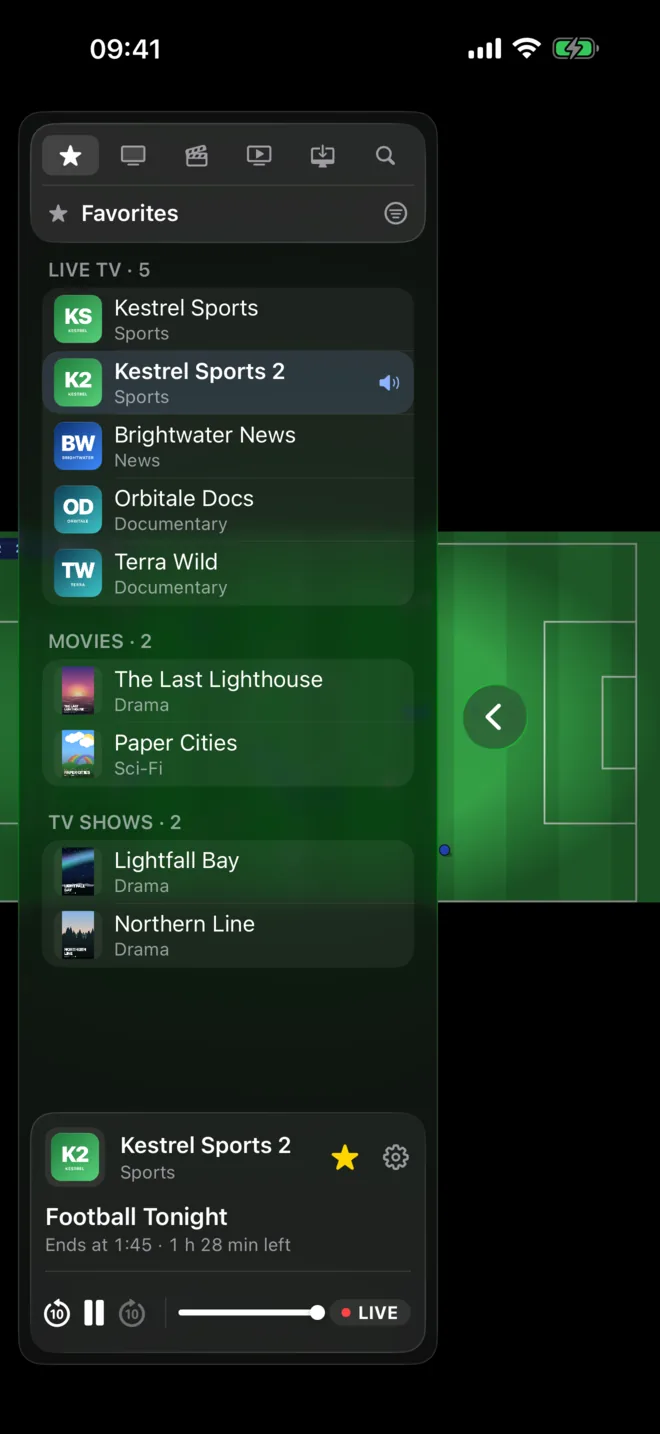
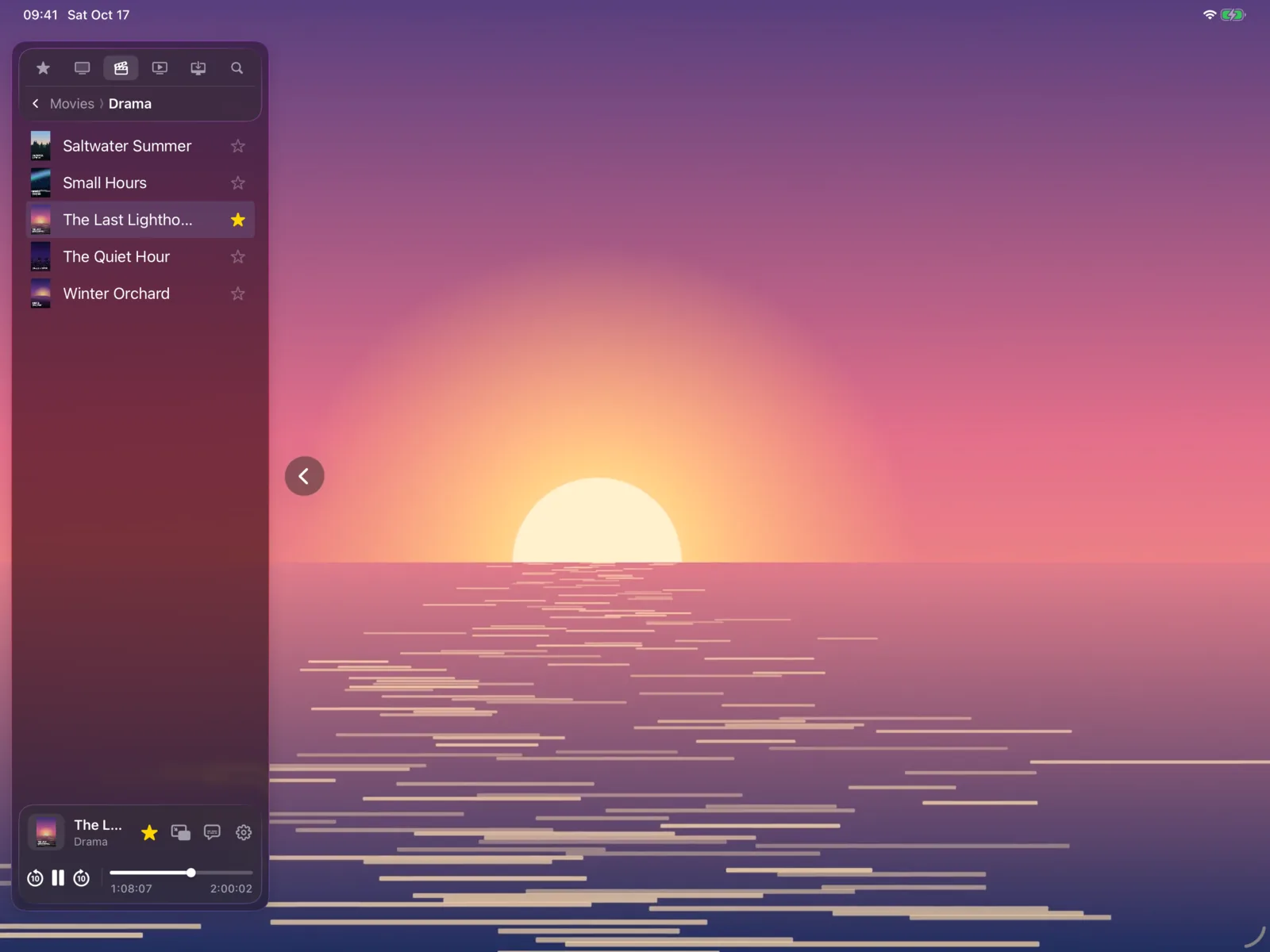
One sidebar. Every channel a tap away.
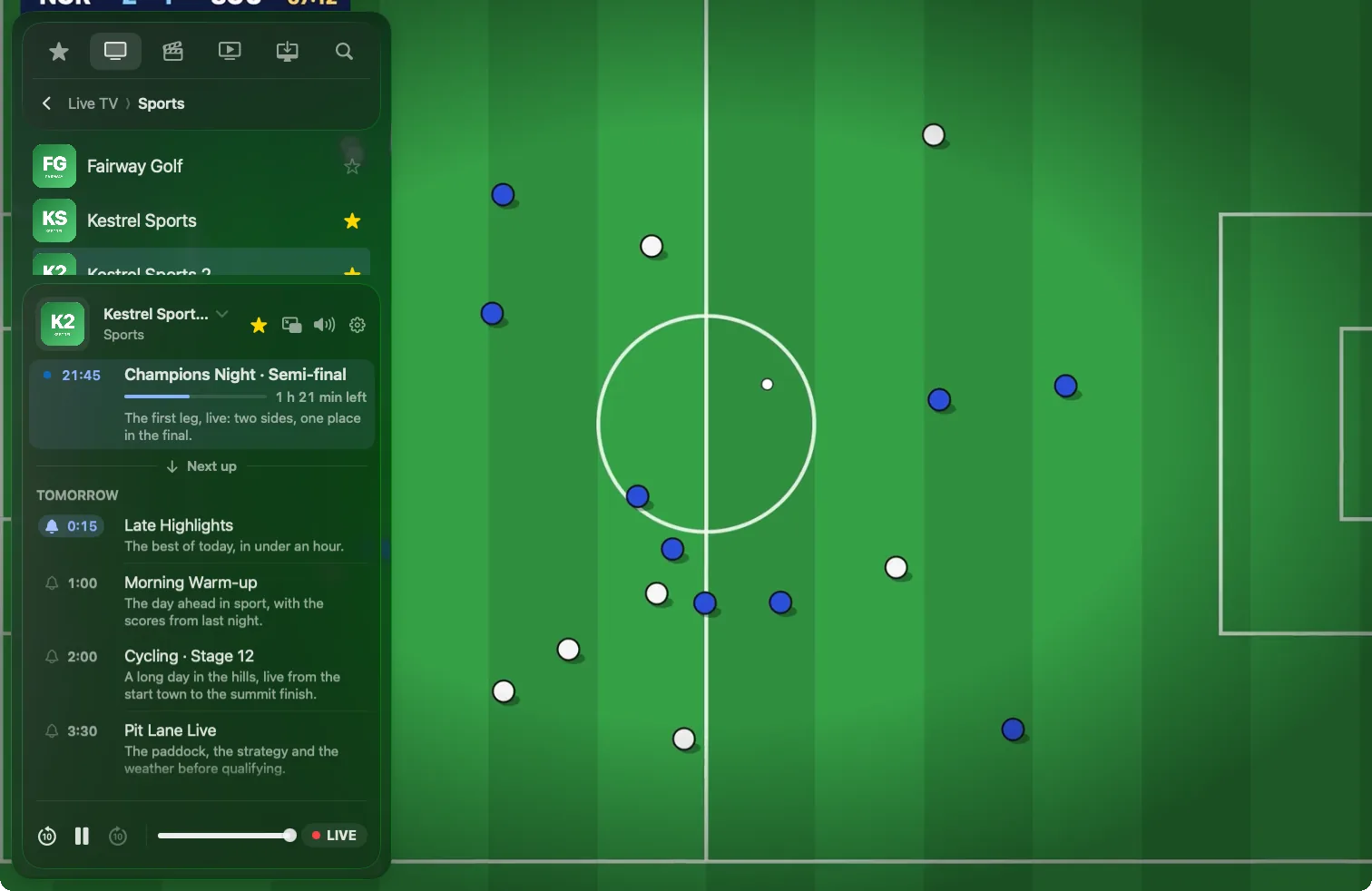
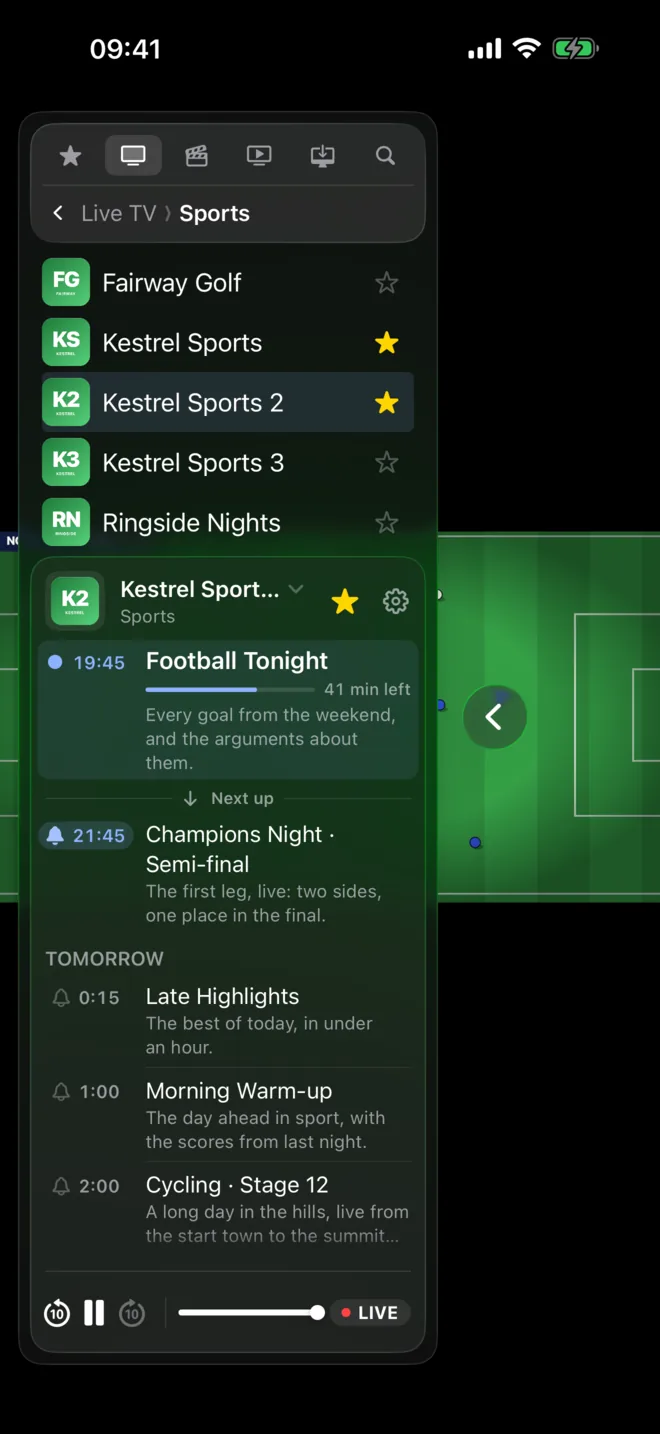
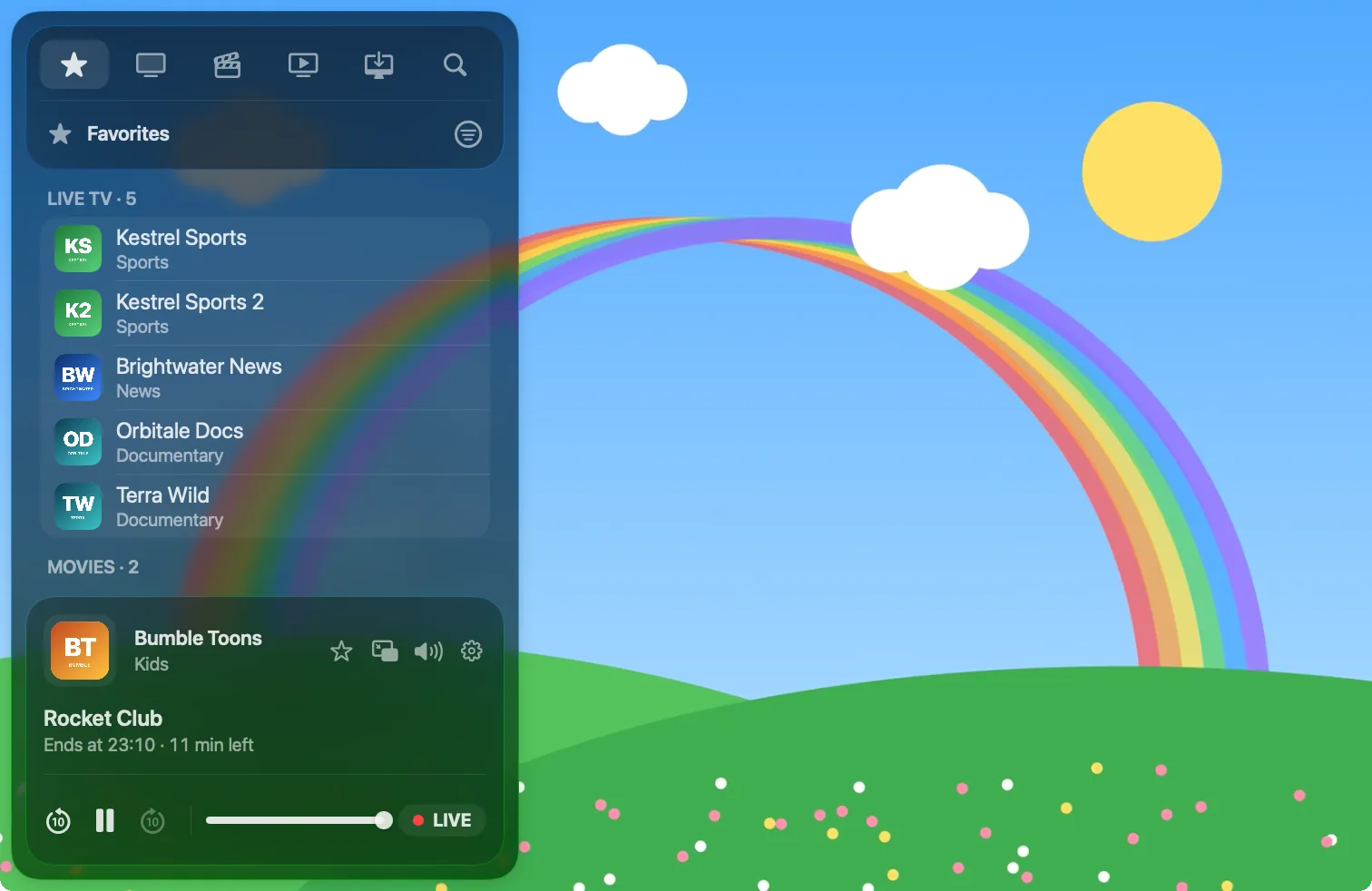
Live TV, movies and shows each in their own section, the guide right beside the picture, and no menus within menus. Yagi is a native app made for iOS 26 and macOS 26, with Liquid Glass that feels like it came with the device.
- What's on now and next, for every channel
- A reminder before the programmes you don't want to miss
- Zap between channels without waiting for screens to draw
Picks up where you left off
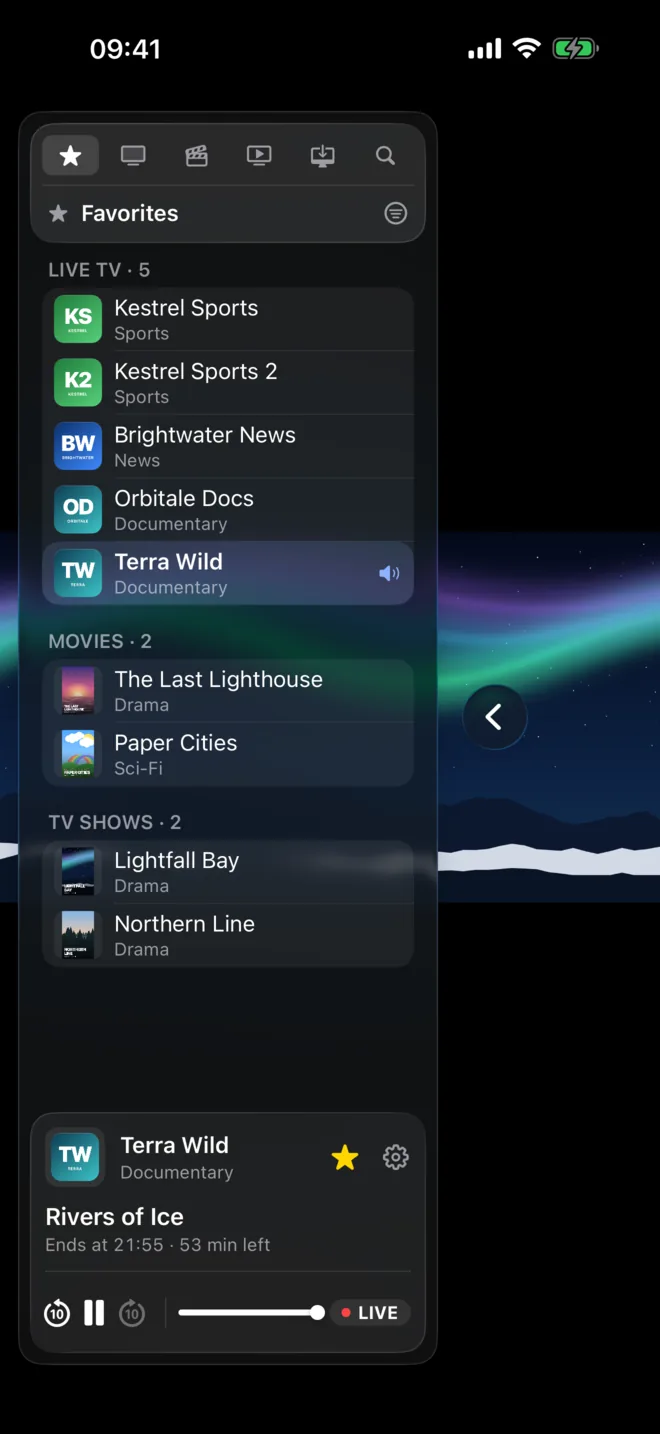
Start on the Mac. Finish on the iPad.
Favourites, your playlist's layout, reminders, settings and where you stopped watching all sync through iCloud, with nothing to set up. Hand a channel from your iPhone to your Mac with Handoff, or send it to the big screen with AirPlay.
Keeps playing when streams struggle
No black screens, no zapping away and back.
Streams hang and servers hiccup. Instead of leaving you staring at nothing, Yagi reconnects on its own and keeps you posted while it does, so the picture comes back without you lifting a finger.
Everything you expect, done well
All the things a player should do.
Xtream and M3U
Live TV, Movies and TV Shows, each in its own section.
TV guide
What's on now and next, with reminders before a programme starts.
Favourites
The channels and shows you come back to, at the top.
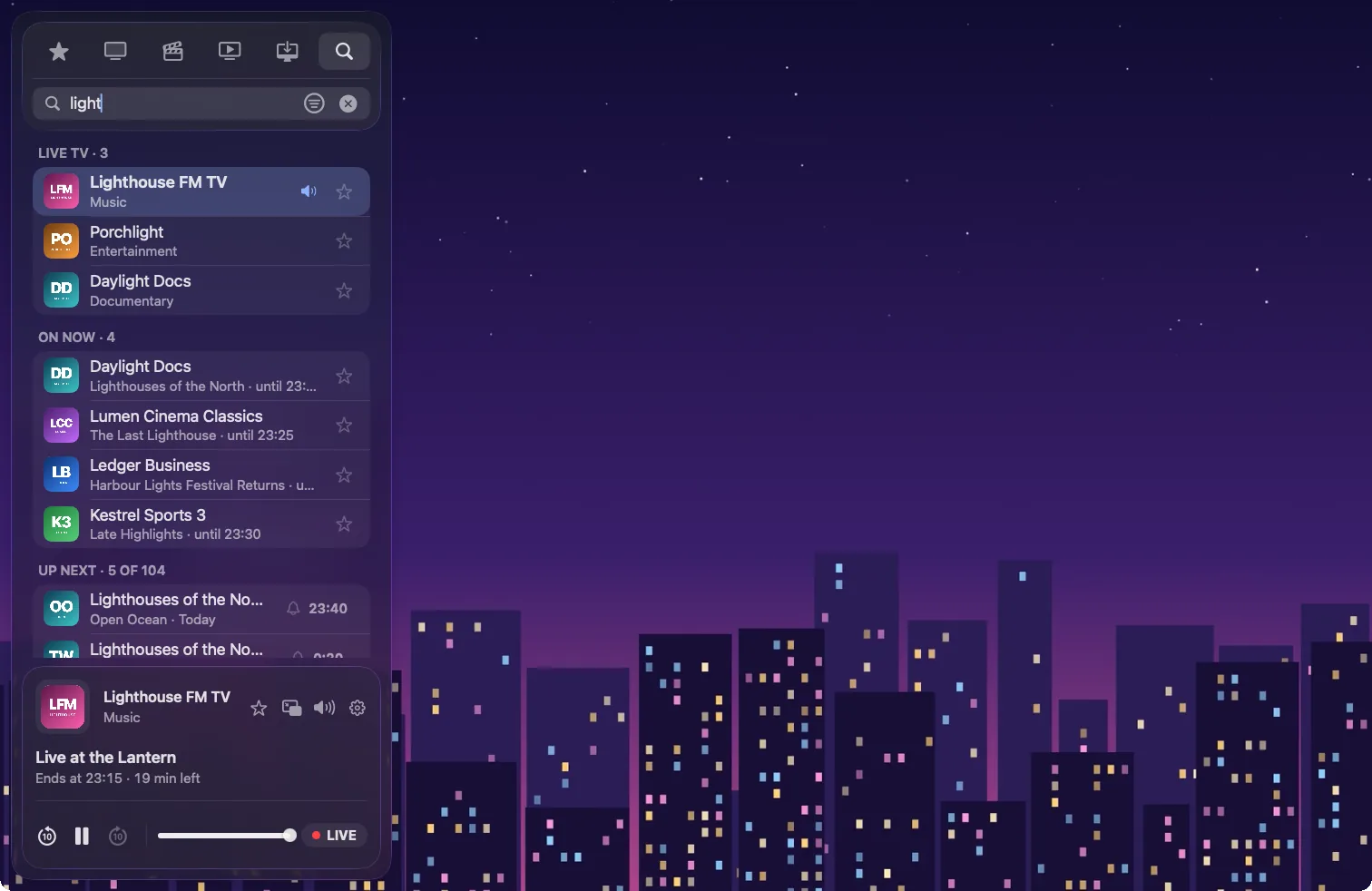
One search
Channels, movies and series at once.
Downloads
Movies and episodes for offline viewing.
Subtitles and audio
Every track your provider includes.
Picture in Picture
On every device.
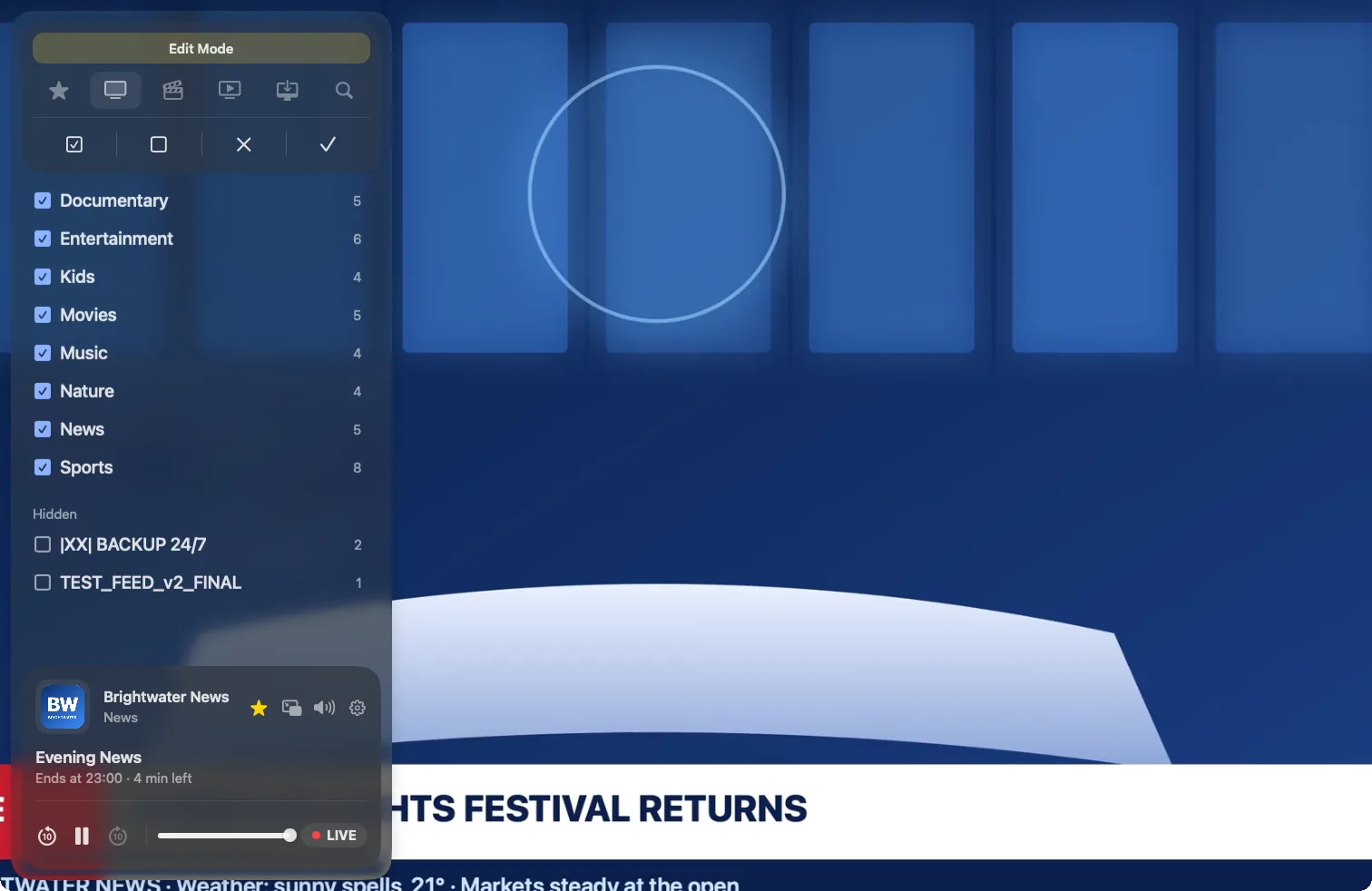
Refreshes itself
Playlists update daily, so new channels just appear.
Private by design
Yagi collects no data. None.
No account to make, no analytics, no ads, no tracking. Your playlists and credentials stay on your devices and in your own iCloud account, where only you can read them.
Read the privacy policy
Your TV, without the fuss.
Try Yagi free on iPhone, iPad and Mac, then choose the plan that suits you.
Download on the App StoreYagi doesn't come with channels: it plays the Xtream or M3U playlist from your own provider.
About the demo's footage
The demo's channel names, programmes and playlist are made up. The pictures they play are open films and public-domain footage, credited below; their makers don't endorse Yagi.