- Yagi
- IPTV player for iPhone
IPTV player for iPhone
Your IPTV playlist, at its best on iPhone.
Yagi turns the Xtream Codes login or M3U link from your provider into an iPhone app that feels like it came with the phone: Live TV, Movies and TV Shows, a TV guide, downloads for the plane, and Instant Subtitles.
Free for 7 days. Then $0.99 CAD a month or $12.99 CAD a year, on iPhone, iPad and Mac. Cancel any time in your App Store settings. Prices in your App Store may differ by country. Works with Family Sharing.
Hands on
Have a go. Right here.
A working copy of Yagi on iPhone with a demo playlist. Pick a channel, pause live TV, skip back, then catch up to live again. The button above the phone turns it on its side.
- Space Play or pause
- ←→ Skip 10 seconds
- ↑↓ Change channel
- S, a right click or a sideways swipe on the picture: show or hide the sidebar
- L Jump to live
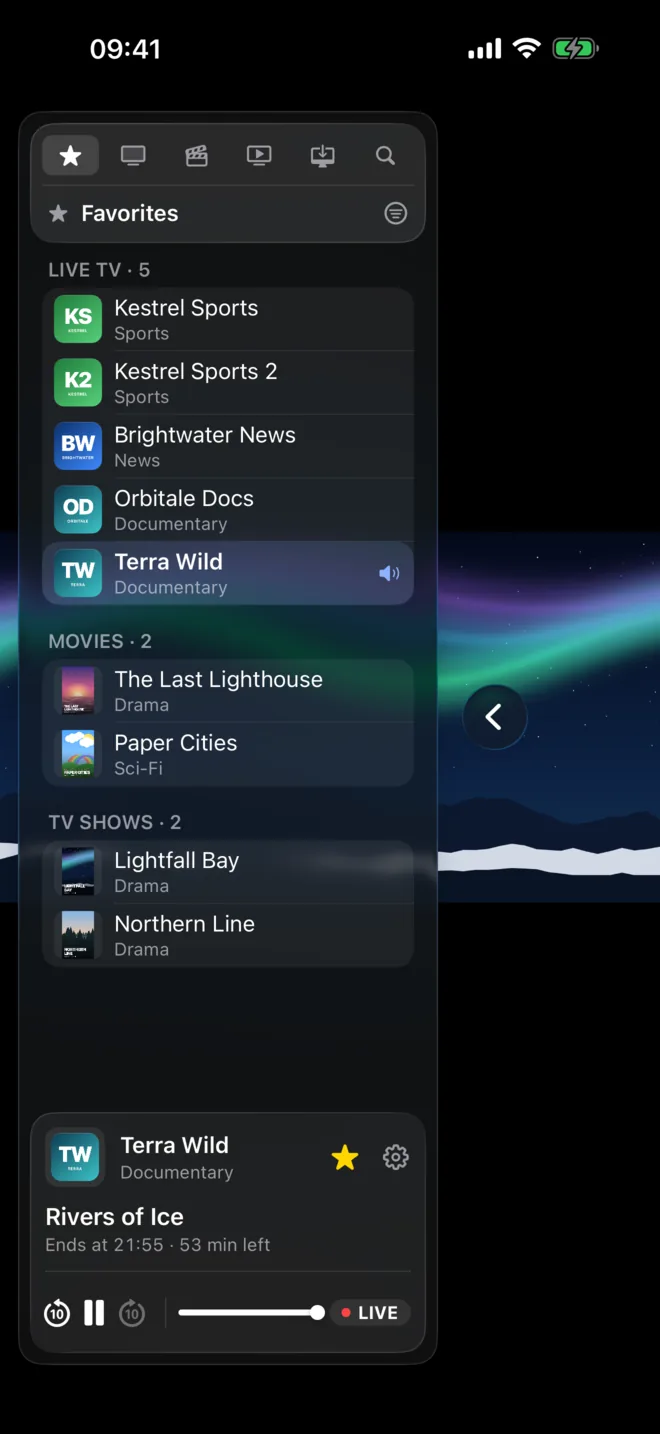
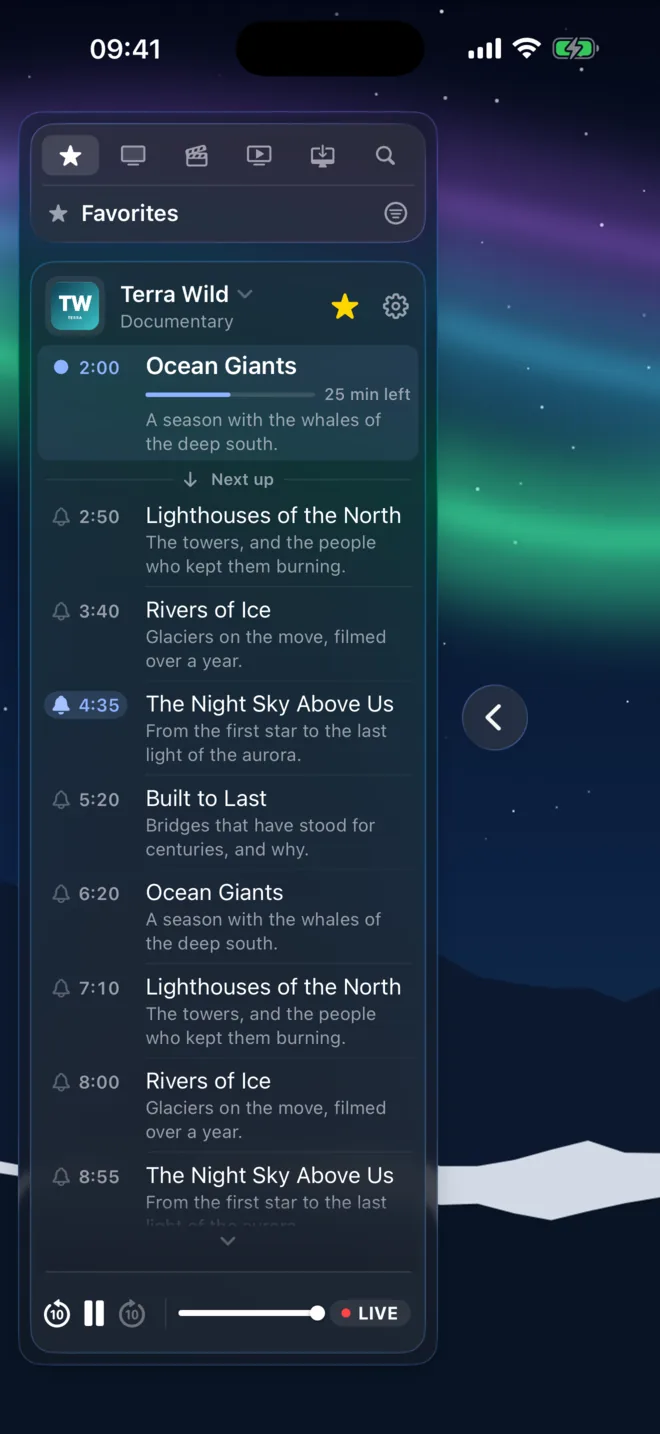
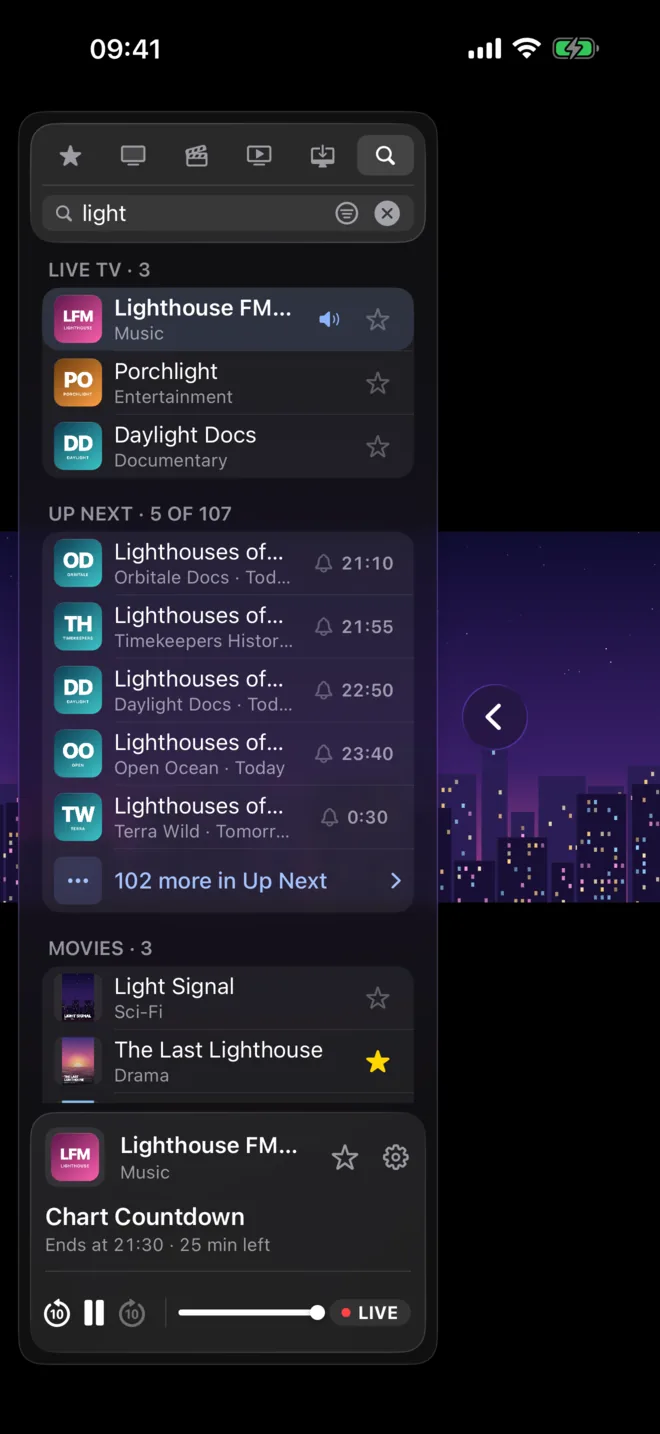
The demo playlist's names are made up.
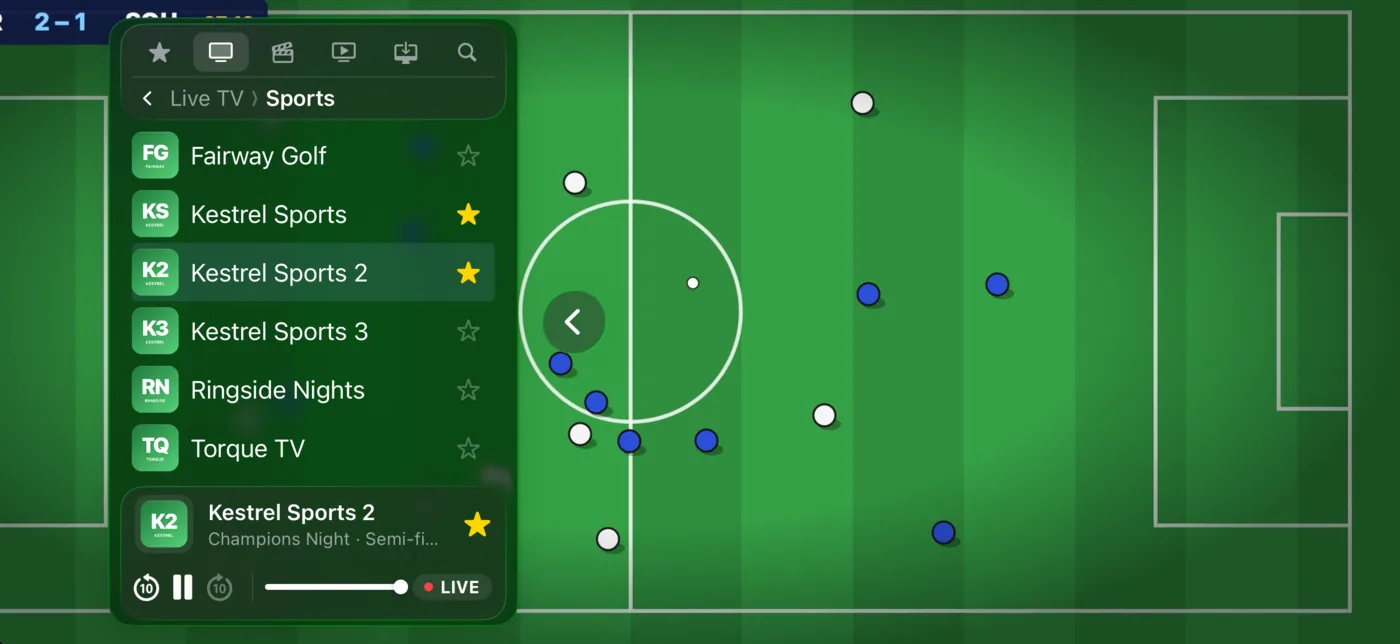
Turn it sideways for the full picture.
Rotate your iPhone and the channel fills the screen. Swipe sideways on the picture to bring the sidebar back, pick the next channel, and swipe it away again. The controls stay out of the way until you tap.
Pause live TV when you're interrupted, skip back up to 2 hours, and tap LIVE to catch up again.
Downloads for the plane.
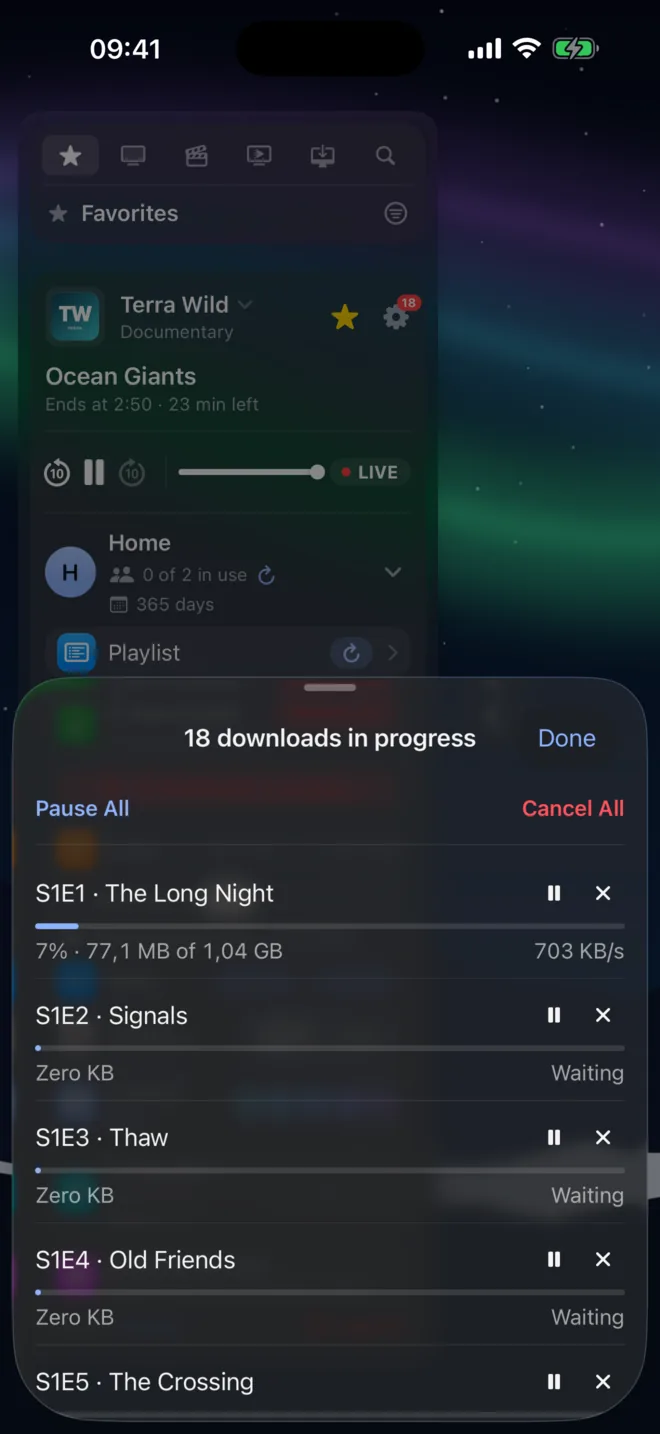
Download a movie, an episode, or every episode of a season with Download All Episodes. Downloads carry on while you use other apps, and you'll find them under Available Offline, ready to play with no signal.
Your position syncs like any other, so you carry on from the same second on your iPad or Mac.
Made for the iPhone
Reminders
Tap the bell beside a programme and get a notification just before it starts, with a tap straight to the channel.
Picture in Picture
Keep the match in a corner while you reply to a message.
AirPlay
Send it to an Apple TV or AirPlay TV in one tap.
Instant Subtitles
Subtitles made on the iPhone for movies and series that have none, translated if you like.
Handoff
Start on the iPhone, pass the channel to your iPad or Mac.
Never stops playing
If a stream hangs, Yagi reconnects by itself and tells you what it's doing.
Set up in a minute.
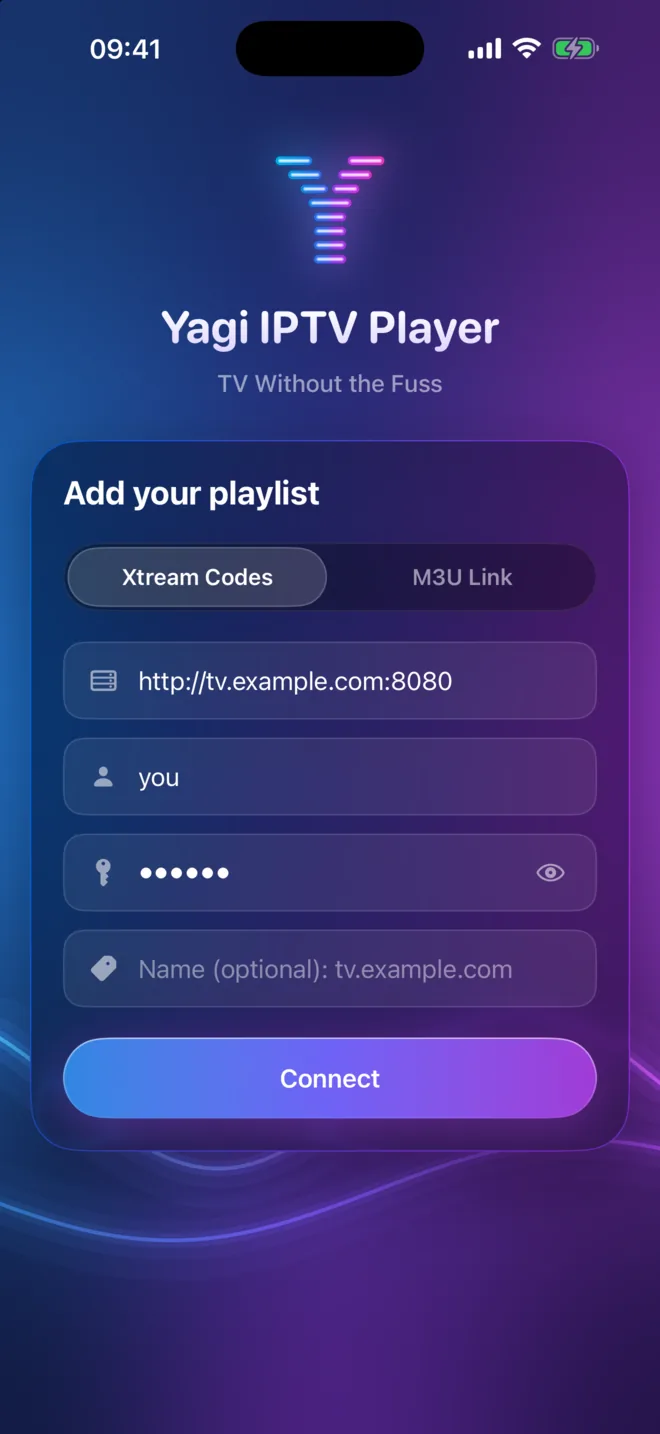
Open Yagi, choose Xtream Codes and enter the server, username and password from your provider, or choose M3U Link and paste the playlist's address. Yagi loads everything and keeps it fresh by itself once a day.
Step by step: how to set up IPTV on iPhone.
Questions
Which iPhones does Yagi run on?
Any iPhone with iOS 26 or later, including iOS 27 and what comes after it.
Is Yagi free on iPhone?
Yagi is free for 7 days. Then it's $0.99 a month or $9.99 a year in the US, for iPhone, iPad and Mac together, and it works with Family Sharing.
Does Yagi come with channels?
No. Yagi is a player: it plays the Xtream Codes login or M3U link you get from a provider you're entitled to use.
Can I watch on my TV from the iPhone?
Yes, with AirPlay to an Apple TV or an AirPlay TV. There's no Apple TV app yet.
Does the TV guide work with an M3U link?
Not today. The TV guide and reminders come with an Xtream Codes login. An M3U link brings in everything in the playlist, without a guide.
Also on iPad and Mac

Try Yagi free for 7 days.
On iPhone, iPad and Mac, with the Xtream or M3U playlist from your own provider. No account, no ads, no tracking.
Download on the App StoreFree for 7 days. Then $0.99 CAD a month or $12.99 CAD a year, on iPhone, iPad and Mac. Cancel any time in your App Store settings. Prices in your App Store may differ by country. Works with Family Sharing.
Yagi doesn't come with channels: it plays the playlist from your own provider.
About the demo's footage
The demo's channel names, programmes and playlist are made up. The pictures they play are open films and public-domain footage, credited below; their makers don't endorse Yagi.