- Yagi
- IPTV player for Mac
IPTV player for Mac
The IPTV player made for the Mac.
Yagi is a native macOS app for the Xtream Codes login or M3U link from your own provider. Its own windows, its own keyboard shortcuts, the TV guide beside the picture, and everything in sync with your iPhone and iPad.
Free for 7 days. Then £0.99 a month or £9.99 a year, on iPhone, iPad and Mac. Cancel any time in your App Store settings. Prices in your App Store may differ by country. Works with Family Sharing.
Hands on
Have a go. Right here.
A working copy of Yagi's Mac player with a demo playlist. Pick a channel, pause live TV, skip back, then catch up to live again.
- Space Play or pause
- ←→ Skip 10 seconds
- ↑↓ Change channel
- S, a right click or a sideways swipe on the picture: show or hide the sidebar
- L Jump to live
A Mac app, not an iPad app on a Mac.
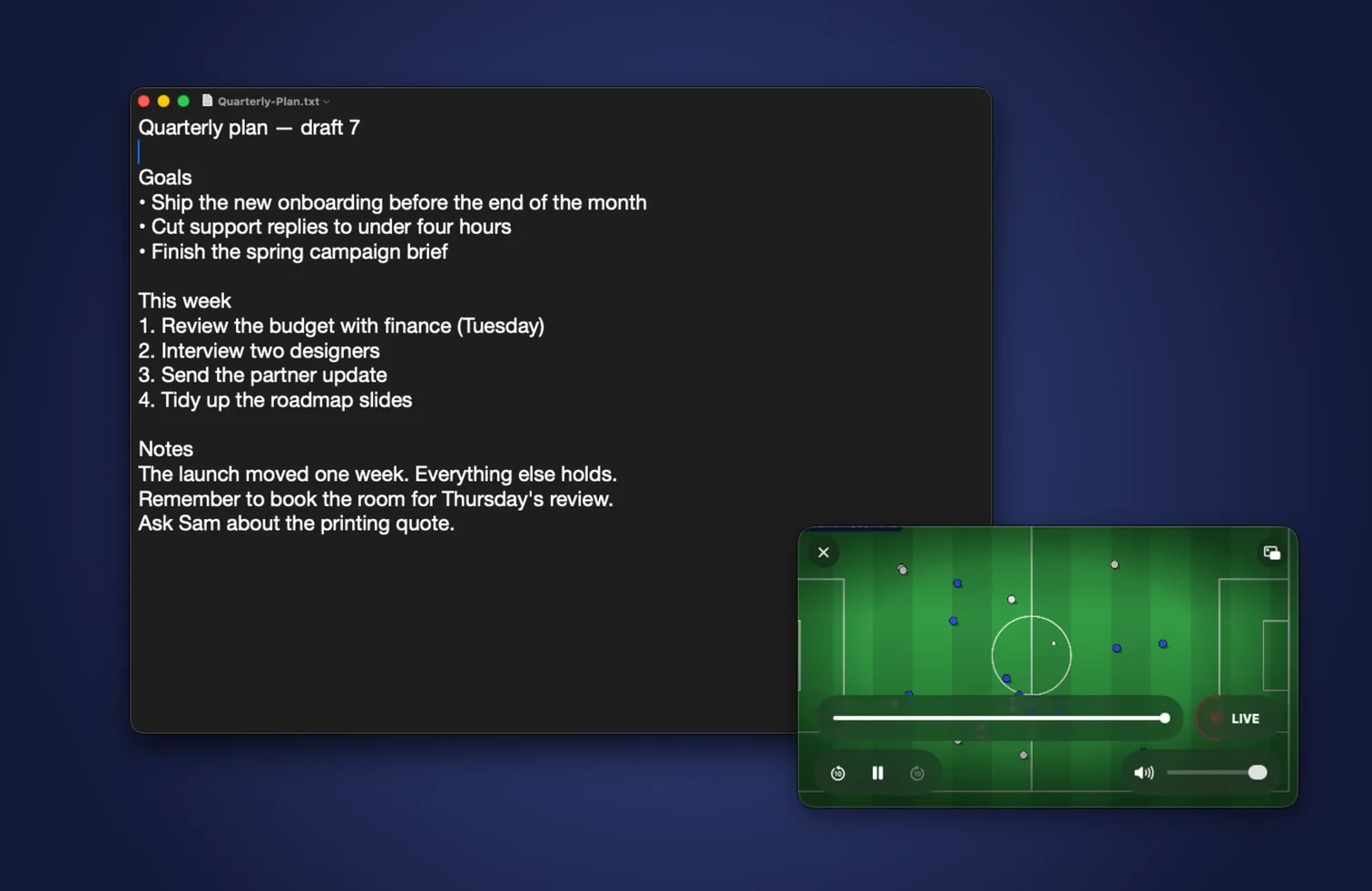
Most IPTV players for Apple devices run on the Mac as their iPad app. Yagi is built for macOS itself: a resizable window with the sidebar beside the picture, a real menu bar, keyboard shortcuts for everything you do while watching, and as many windows as you like, each with its own channel.
It's one app across your devices: the same purchase runs on iPhone, iPad and Mac, and the playlists, favourites and positions you set up on one are on the others.
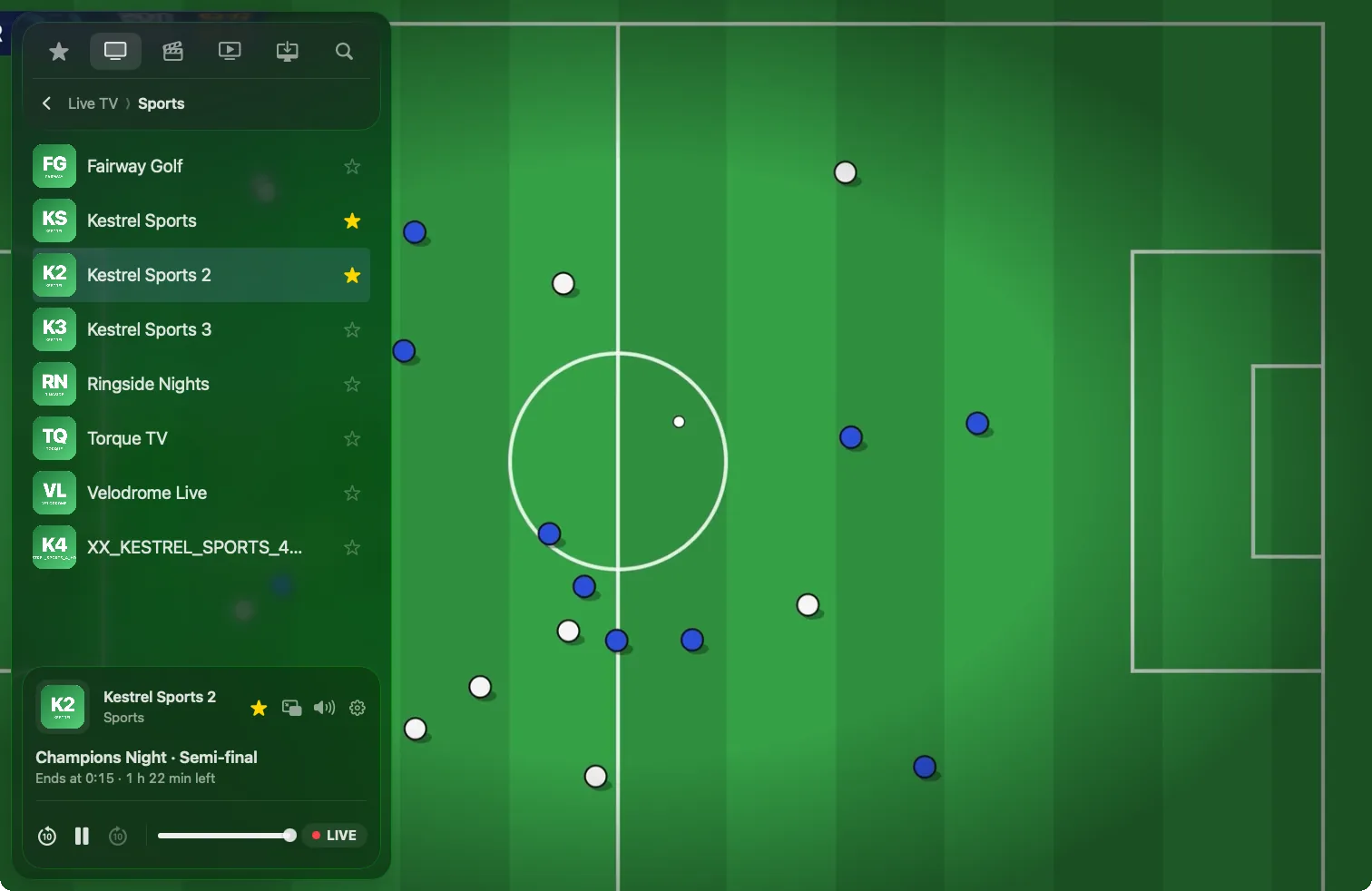
Keyboard shortcuts while you watch
No hunting for the mouse. The player answers to the keys you'd expect.
| Key | What it does |
|---|---|
| Space | Play or pause, live TV included |
| ← and → | Skip back or forward 10 seconds |
| ↑ and ↓ | The previous or next channel |
| S | Show or hide the sidebar |
| L | Jump back to live |
| M | Sound on or off |
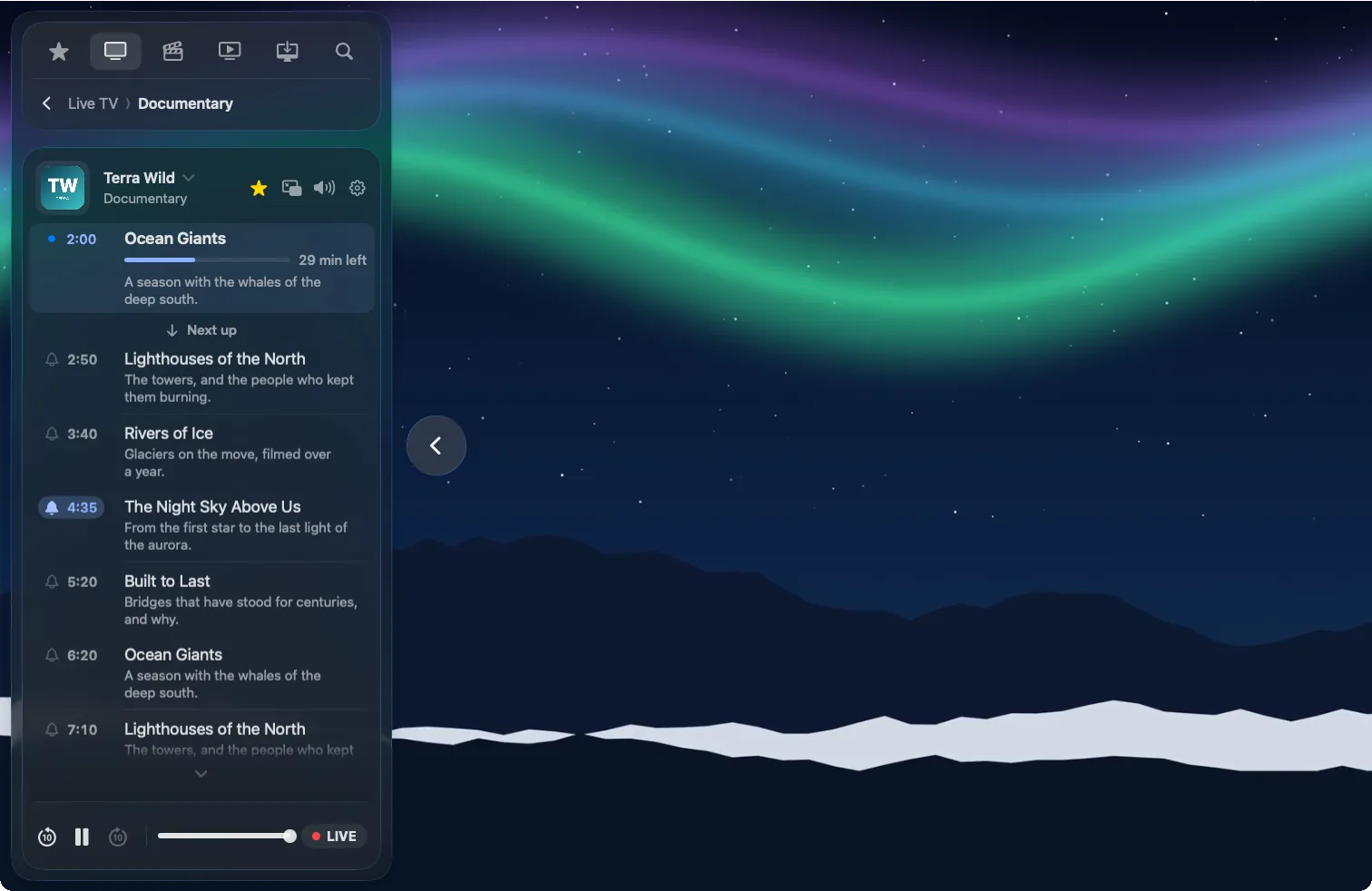
The TV guide, right beside the picture.
With an Xtream Codes login, every channel has its guide one click away: what's on now with the time left, what's next, and the rest of the day. Click a programme to switch to it, or set a bell and Yagi sends a notification just before it starts.
Reminders sync, so a bell set on the Mac rings on your iPhone too.
Pause live TV. Rewind up to 2 hours.
Press Space when the phone rings and carry on from the same second. Skip back to see the goal again, then press L to catch up to live. Yagi keeps the stream running while you're away, without needing your provider's catch-up.
If a stream stalls, Yagi reconnects on its own and tells you what it's doing, instead of leaving you with a frozen picture.
Subtitles for movies that have none.
Turn on Instant Subtitles for a movie or episode and Yagi writes them as it plays, one sentence at a time, from more than 30 spoken languages. It can translate them into more than 20. All of it happens on your Mac: nothing you watch is sent anywhere.

Sized for your screen.
On a big display across the room or a small laptop screen, set the interface scale anywhere from 80% to 200%. The sidebar, the controls and the guide all follow, so nothing stays tiny while the picture fills the screen.
Everything else you'd expect
One search
Channels, what's coming up in the guide, movies and series in one list, from three letters.
Downloads
Movies, episodes or whole seasons, to watch on the train with no signal.
iCloud sync
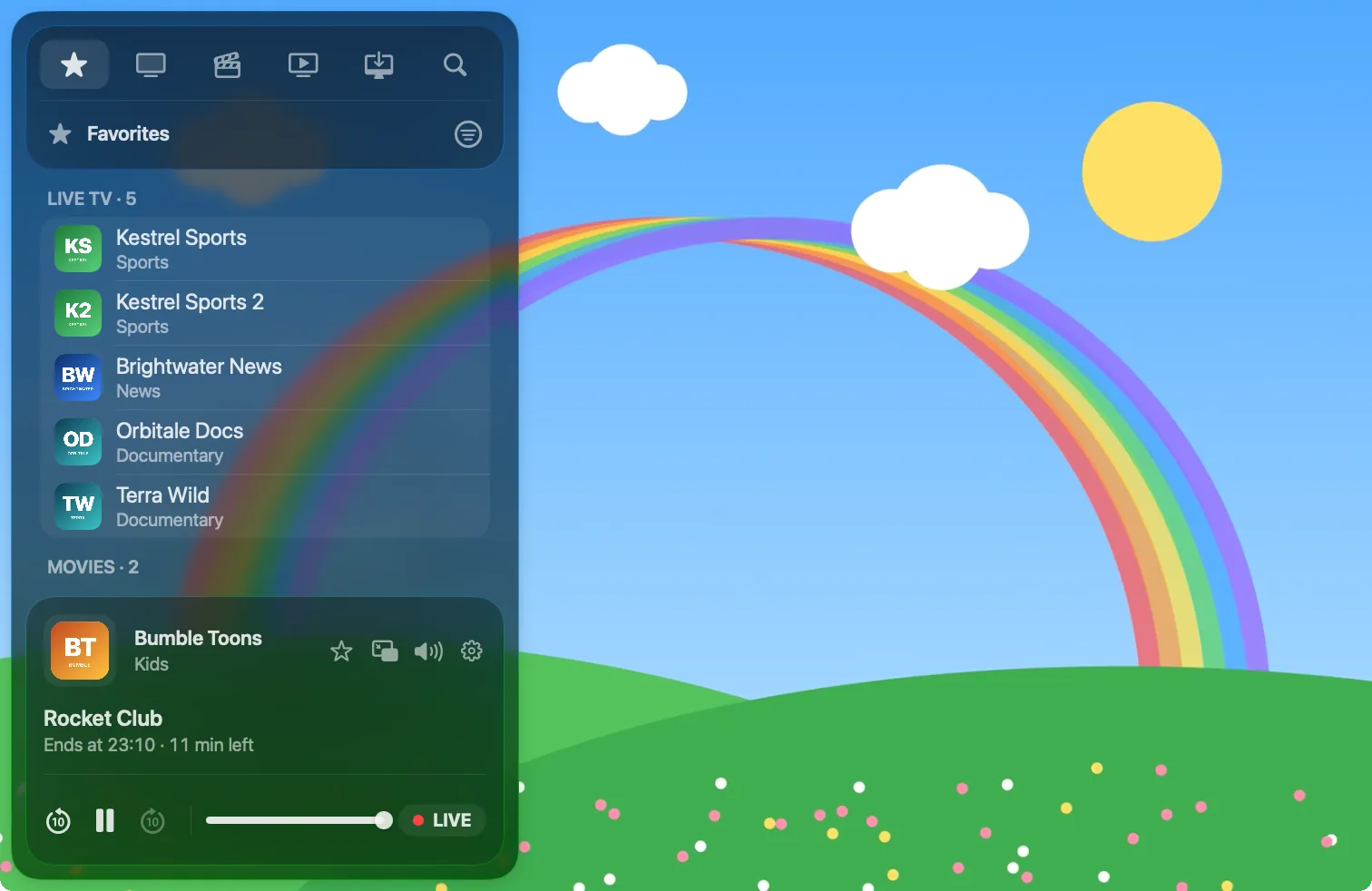
Favourites, names, layout, reminders and where you stopped, on every device.
AirPlay and Handoff
Send it to the TV, or hand the channel you're watching to your iPhone or iPad.
Your playlist, your way
Rename channels and groups, and hide the ones you never watch.
Subtitles and audio
Every track your provider includes, picked from the player's controls.
Set up in a minute.
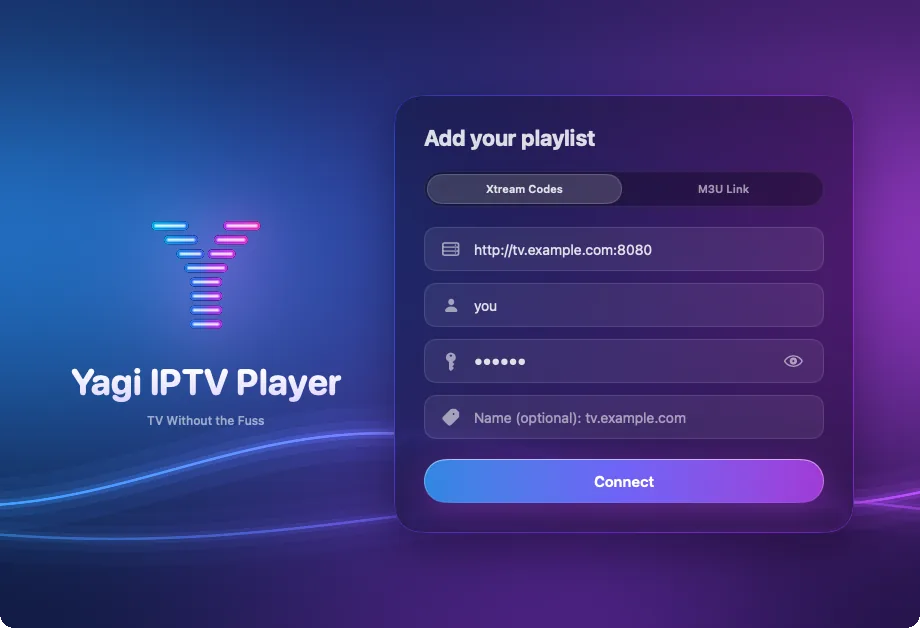
Open Yagi, choose Xtream Codes or M3U Link, and enter what your provider sent you. Yagi sorts everything into Live TV, Movies and TV Shows, and refreshes the playlist by itself once a day.
Step by step: how to watch IPTV on a Mac and how to add an M3U playlist on a Mac.
Questions
Which Macs does Yagi run on?
Any Mac with macOS 26 or later, Apple silicon or Intel, including macOS 27 and what comes after it.
Do I need a separate subscription for the Mac?
No. One subscription covers iPhone, iPad and Mac, and works with Family Sharing. Yagi is free for 7 days, then $0.99 a month or $9.99 a year in the US.
Can I watch two channels at once on the Mac?
Yes: open another window and play a different channel in it. Many providers allow only one or two streams at a time, so it depends on your account.
Does Yagi come with channels?
No. Yagi is a player for the Xtream Codes login or M3U link from a provider you're entitled to use. It doesn't provide any channels.
Is there an Apple TV app?
Not yet. From the Mac you can send the picture to an Apple TV with AirPlay.
Also on iPhone and iPad

Try Yagi free for 7 days.
On iPhone, iPad and Mac, with the Xtream or M3U playlist from your own provider. No account, no ads, no tracking.
Download on the App StoreFree for 7 days. Then £0.99 a month or £9.99 a year, on iPhone, iPad and Mac. Cancel any time in your App Store settings. Prices in your App Store may differ by country. Works with Family Sharing.
Yagi doesn't come with channels: it plays the playlist from your own provider.
About the demo's footage
The demo's channel names, programmes and playlist are made up. The pictures they play are open films and public-domain footage, credited below; their makers don't endorse Yagi.